

How do I add items to my Plex Universal Watchlist?
It’s easy to add content to your Universal Watchlist from a number of places:
- Movies or TV shows in a Plex Media Server library (not individual seasons or episodes)
- Plex’s free Movies & Shows streaming content
- Content you find in the Discover source
- Via the player when watching trailers
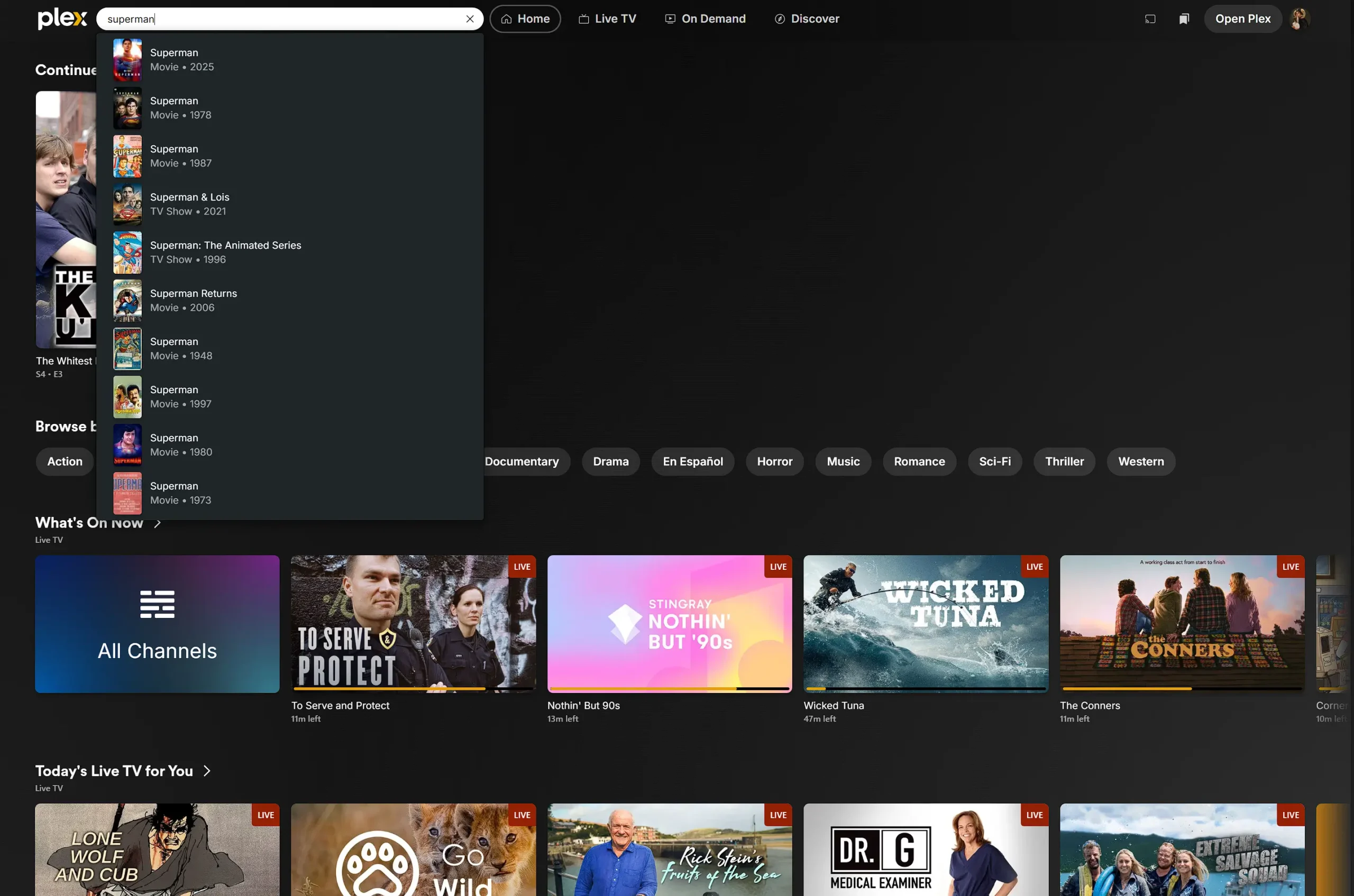
One of the easiest ways to to use the Plex Watch list website: Watch.plex.tv
Use the search box to search for content
If an item is already on your Watchlist, the option will be displayed as Remove from Watchlist.

You can learn more here:
Plex: Universal Watchlist